
RSS Feed Validator, Cover Art Checker, and OPML Generator. No login. Optional: Podcast Health Report data page.
no login · RSS + cover + OPML · Updated September 6, 2026
Podcast tools: validate RSS, check cover art, clean OPML
Three free utilities for makers and anyone moving a library: paste a feed into the RSS validator, check artwork size/format before directories cache a bad square, and build or prune an OPML file you can import into any player that accepts OPML. No login. Third-party recording/hosting links below are a directory, not The Podcast App products.
| Tool | Job |
|---|---|
| RSS validator | Check a feed before you subscribe |
| Cover art checker | Spot art issues that break clients |
| OPML generator | Build an export you can import elsewhere |
Built by The Podcast App
Which tools are on this hub?
Free tools for podcasters
No login required. Use them whether or not you use our app.
RSS Feed Validator
Validate your podcast feed against Apple Podcasts, Spotify, and Podcasting 2.0 specs. Get actionable fixes for every issue.
Cover Art Checker
Check your podcast artwork against Apple and Spotify size, format, and quality requirements.
OPML Generator
Build a podcast subscription list from scratch, import an OPML file, and export a ready-to-import bundle for any podcast app.
Podcast Health Report
Monthly data: how many podcasts go quiet, by genre — Apple-verified, with a free CSV.
Record & edit
Recording and editing tools
From free open-source editors to professional remote recording platforms.
Audacity
Free, open-source audio editor. The most popular free tool for podcast editing.
GarageBand
Free audio editor for Mac and iOS. Great starting point for Apple users.
Descript
AI-powered editor: edit audio by editing text. Includes transcription and filler-word removal.
Riverside
Remote recording with local-quality audio and video capture for each participant.
Zencastr
Browser-based remote recording with separate audio tracks for each guest.
Hindenburg
Professional podcast editor for spoken-word audio. Automatic leveling and voice profiling.
Adobe Podcast
AI-powered audio enhancement from Adobe. Free "Enhance Speech" feature cleans up recordings.
Reaper
Affordable professional DAW. Extremely customizable with a large podcast producer community.
Host your show
Podcast hosting platforms
Your host stores your audio files and generates the RSS feed that distributes your show everywhere.
Buzzsprout
Beginner-friendly hosting with excellent analytics and directory submission tools.
Transistor
Professional hosting with unlimited shows on every plan. Private podcast support.
Podbean
All-in-one hosting with built-in monetization, live streaming, and a podcast app.
Libsyn
One of the oldest and most reliable podcast hosts. Advanced distribution and monetization.
RSS.com
Simple hosting with a free tier. Includes AI transcription and a website builder.
Spotify for Podcasters
Free hosting and distribution owned by Spotify. Easy setup, basic analytics.
Captivate
Growth-focused hosting with advanced analytics, one-click distribution, and podcast websites.
Castos
WordPress-integrated hosting with private podcasting and YouTube republishing.
Get listed everywhere
Directories and distribution
Submit your RSS feed to reach listeners wherever they listen.
Apple Podcasts
The largest podcast directory. Required for discoverability.
Spotify
Second-largest listening platform. Submit via Spotify for Podcasters.
Amazon Music
Growing podcast platform. Submit through Amazon's podcast portal.
YouTube Music
Google's podcast destination. RSS ingestion available via YouTube Studio.
Podcast Index
Open podcast directory powering Podcasting 2.0 apps. Index your show for free.
Listen Notes
Podcast search engine. Index your show for SEO and discovery.
Goodpods
Social podcast app with community ratings and recommendations.
The Podcast App
Free player built on public RSS. Renders your chapters, transcripts, funding, people and podroll tags; inserts no ads of its own. Nothing to claim.
Look professional
Cover art and branding
Your artwork is the first thing potential listeners see. Make it count.
Canva
Drag-and-drop design tool with podcast cover templates. Most popular choice for podcasters.
Adobe Express
Quick design tool with templates, brand kits, and AI background removal.
Headliner
Create audiogram videos and transcription clips for social media from your episodes.
Artwork Requirements Checklist
Validate your artwork against Apple and Spotify requirements with the cover art checker before uploading your feed.
Apple Podcasts Artwork Requirements
- Minimum 1400 × 1400 px, recommended 3000 × 3000 px
- Square aspect ratio (1:1)
- JPEG or PNG format, RGB color space
- Under 512 KB recommended
Grow your audience
Promotion and growth
Cross-promotion, social sharing, SEO, and discoverability tools.
Podchaser
Podcast database and review platform. Claim your show and collect listener reviews.
Opus Clip
AI-powered tool that turns long episodes into short viral clips for social media.
Podmatch
AI-powered platform matching podcast hosts with guests for cross-promotion.
RSS Feed Validator
Validate your RSS feed, directories metadata, and artwork URL before you promote a launch week.
Earn from your show
Monetization tools
From sponsorships to listener support, multiple ways to earn.
Podcorn
Marketplace connecting podcasters with brands for sponsorships. Open to shows of all sizes.
AdvertiseCast
Podcast advertising marketplace. Connect with advertisers based on your audience.
Patreon
Membership platform for listener-supported shows. Offer bonus content for paying subscribers.
Buy Me a Coffee
Simple tip-jar style support from listeners. Lower friction than subscription platforms.
podcast:funding Tag
Add a <podcast:funding> tag to your RSS feed and compatible apps will display a "Support this show" link to your listeners. View the spec →
Measure what matters
Podcast analytics
Understand who's listening, where, and how your show is growing.
Podtrac
Industry-standard podcast measurement. IAB-certified analytics.
OP3
Open-source, transparent podcast analytics prefix. Free and privacy-respecting.
Megaphone by Spotify
Enterprise podcast platform for publishing, monetization, audience growth, and analytics at larger publisher scale.
The future of podcasting
Podcasting 2.0
An open standard extending podcast RSS with new features. Powered by Podcast Index and supported by a growing number of apps, including The Podcast App.
Chapters
Time-stamped sections with titles, images, and links inside episodes for easy navigation.
Transcripts
Attach SRT/VTT transcript files to episodes for accessibility and search indexing.
Value for Value
Let listeners send payments directly to creators while listening, including via Bitcoin Lightning.
Podping
Real-time notification when you publish. Apps get your new episode instantly instead of polling.
Person Tag
Credit hosts and guests per episode so apps can display who's on the show.
Soundbite
Mark recommended clips inside an episode for apps to surface as previews.
Connect with podcasters
Communities and events
Learn from other podcasters, find guests, get feedback, and stay current.
r/podcasting
500K+ member subreddit for podcast creators. Gear advice, promotion threads, feedback.
Podcast Movement
The largest annual podcasting conference and community. In-person and virtual events.
The Podcast Host
Educational resource with courses, articles, and a community forum for creators.
Podcasting 2.0 Community
Engage with devs and creators building the next generation of podcasting.
Tools guidance
Podcaster tools: validate art and RSS before you ship
On /tools, run cover-art and RSS validators against production assets, not only drafts. Use the OPML generator when migrating listener libraries. English tools hub: fix enclosure/namespace errors before cosmetic warnings.
Open: RSS validator · cover art · OPML generator.
Further reading
- RSS 2.0Feed baseline
- Apple requirementsDirectory rules
- OPML 2.0Subscription portability
- podstandardsPodcasting 2.0
- Podcast IndexOpen directory
Editorial depth
Which tool to open first
This index is for makers and power listeners, not another SEO doorway. Start with the job: validate cover art before a directory submission; build a portable OPML file before a migration; validate the live RSS URL before you ship.
Which tool to open first: Publishing or submitting → cover art checker → RSS validator. Switching apps or sharing a list → OPML generator → import path on /switch. These pages do not invent speed, storage, or AI-eligibility utilities.
Specs: Apple cover template, Spotify art requirements, OPML 2.0, Podcast Standards.
Jump: cover art checker · RSS validator · OPML generator.
In your language
The Podcast App, running in this language.
These are real screens from the app, not mockups. Every menu, button, and label is translated, so the app looks like this as soon as you install it.
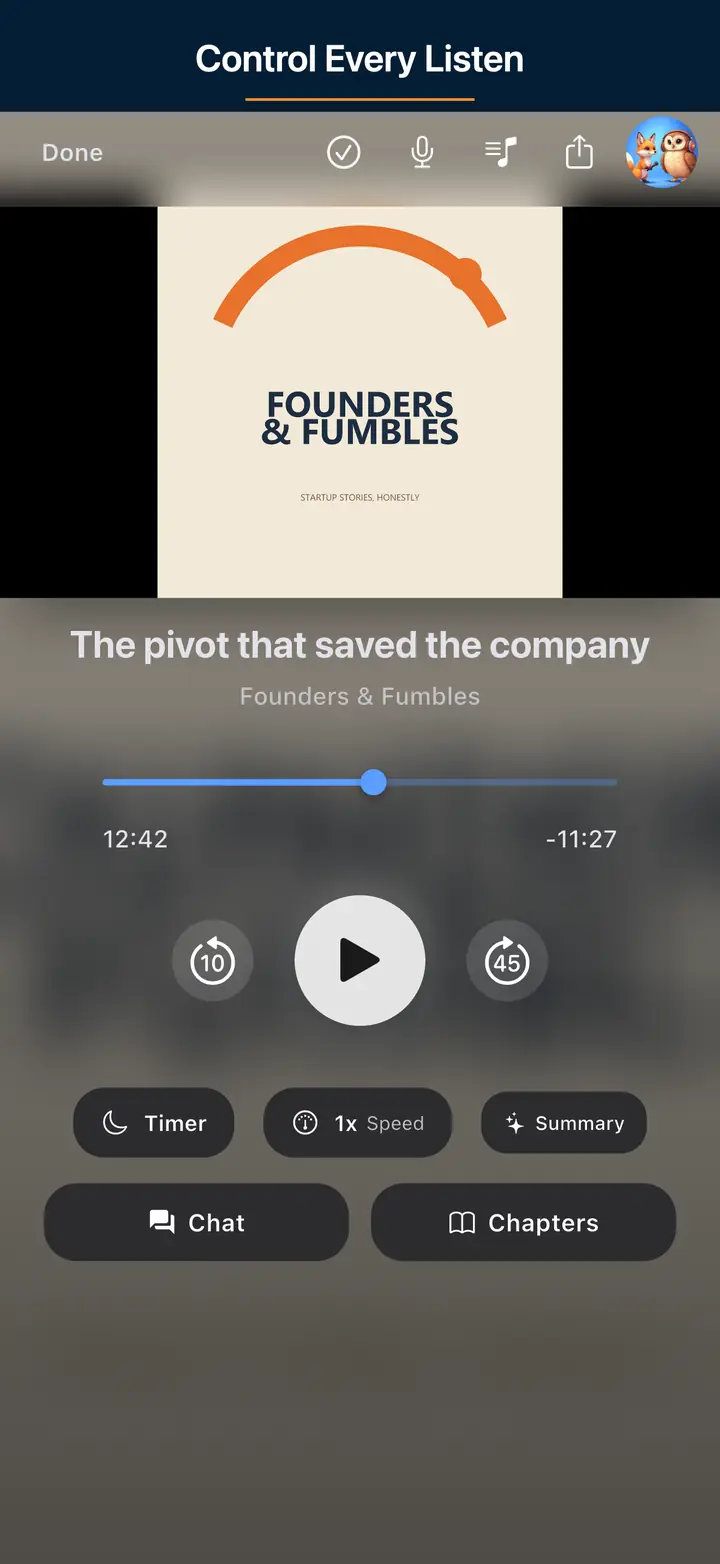
The audio player screen 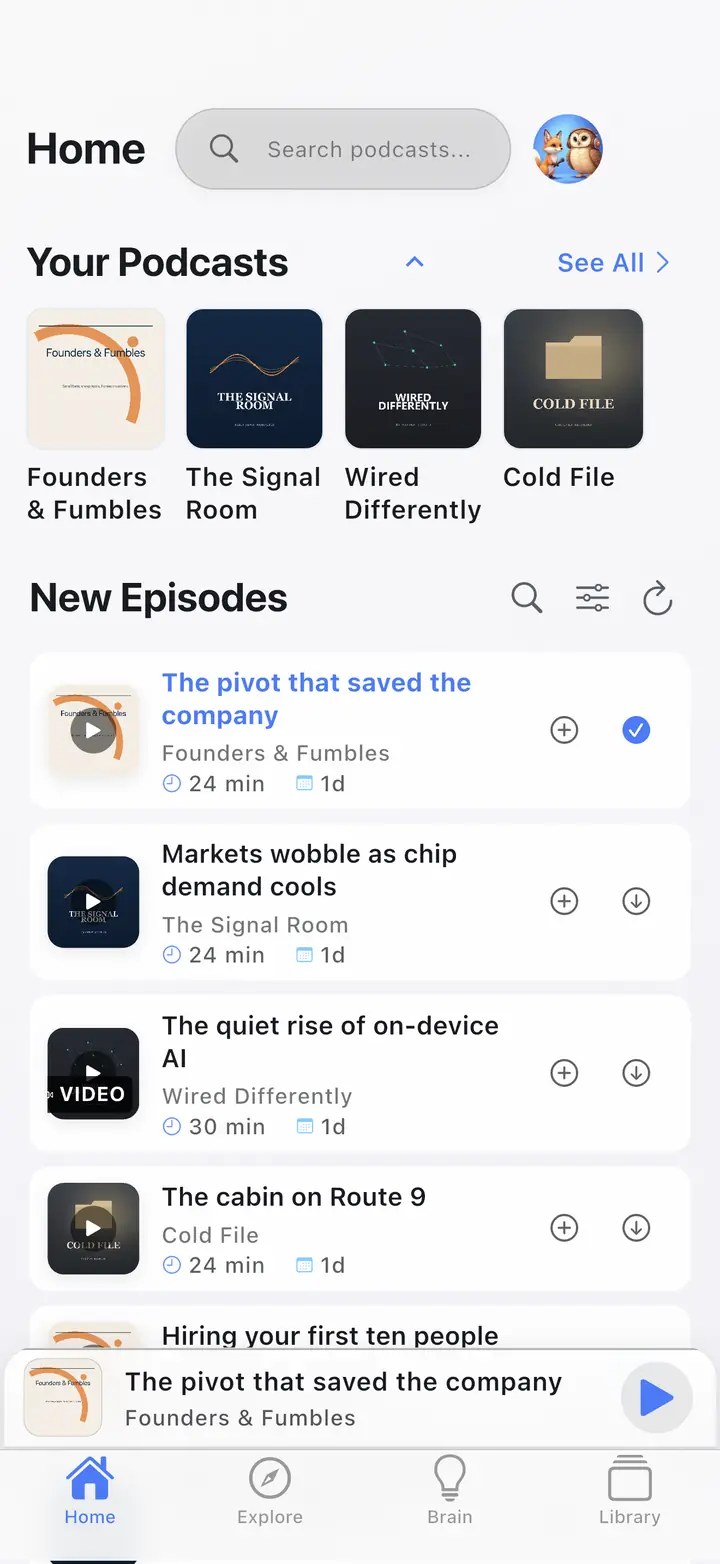
The home screen 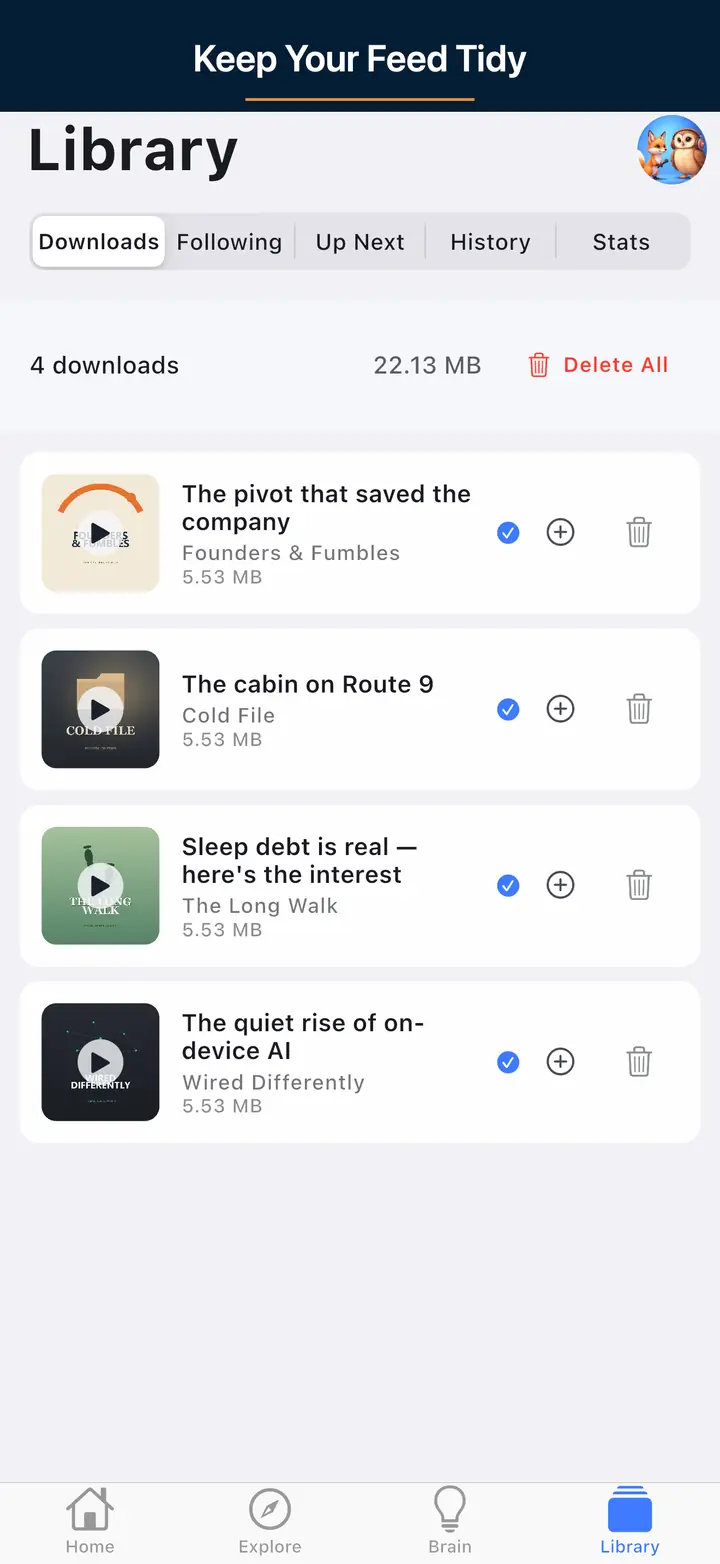
The downloaded episodes screen 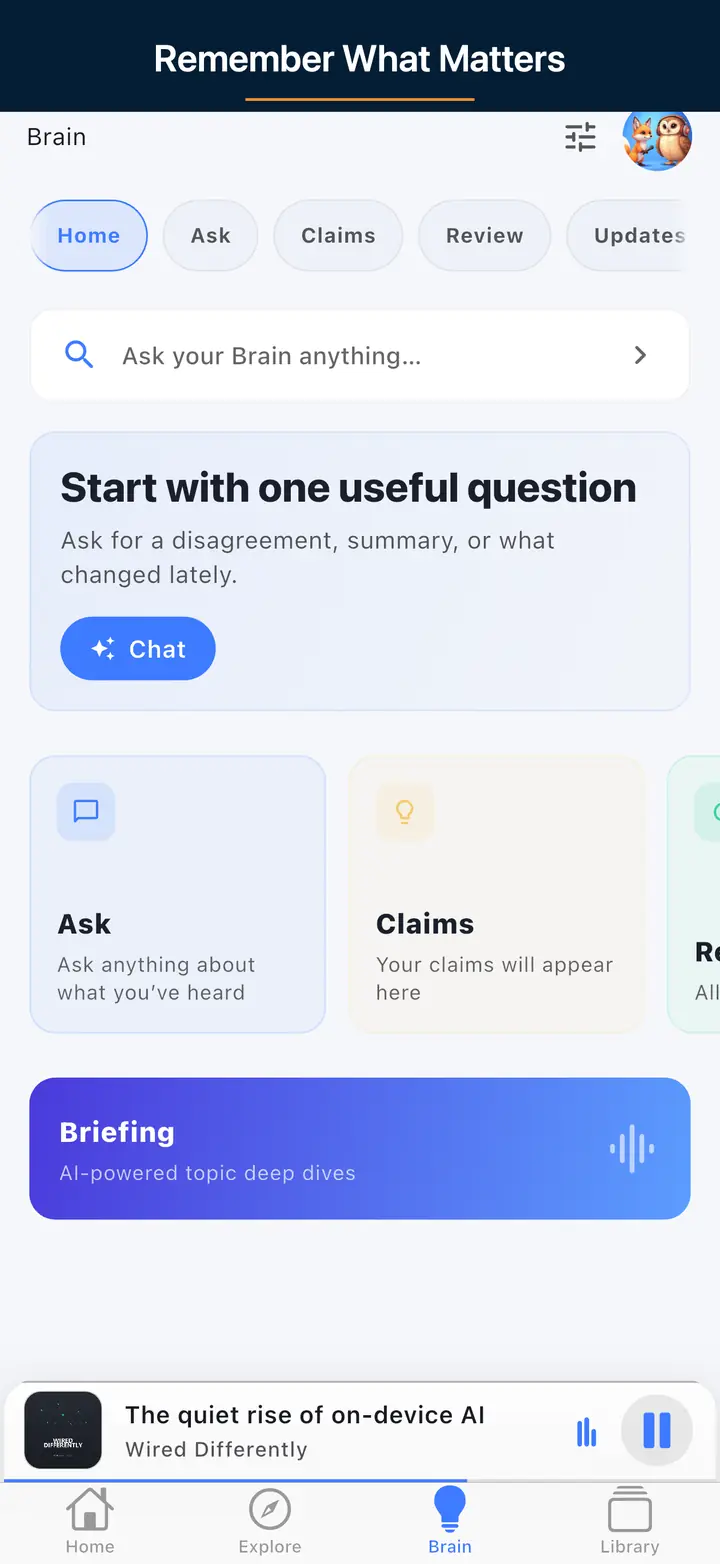
The AI assistant screen
FAQ
Frequently asked questions
An RSS feed is an XML channel plus episode items with enclosure URLs. Directories and apps read it to list and play your show. Your host usually publishes it; validate the public URL with the RSS Feed Validator before you submit.
You can start near $0 with a free editor, free or freemium host, and free art tools. A USB mic is an optional upgrade. The tools on this page stay free.
Submit your public RSS URL via Podcasts Connect and Spotify for Podcasters (or your host's one-click submit). Validate the feed and cover art first.
Open RSS extensions such as chapters, transcripts, and value tags. Enable them if your host supports them; the RSS validator may surface related issues.
No. They work in the browser for any feed or list. The app is optional for listening, OPML import, and offline.
App connection
Use the free tools with a real podcast player.
These tools support the same open podcast workflow as The Podcast App: RSS feeds, OPML portability, listener-ready artwork, and free core listening before optional Premium AI.
Want this workflow built into your podcast player?
Download The Podcast AppDownload The Podcast App for free core listening, queue tools, speed controls, sleep timer, OPML, unlimited offline downloads, and optional Premium Podcast Brain.
For listeners
Use OPML tools to move followed shows, then listen with queue tools, speed controls, sleep timer, unlimited offline downloads, and no account required to start.
For podcasters
Validate the feed, check artwork, prepare launch basics, and publish the Podcasting 2.0 tags the app renders. Nothing to claim.
For deeper workflows
Premium features such as Podcast Brain and Synthesis Radio stay separate from the free tools, with clear limits and source-backed eligibility.
For listeners and creators
Use the tools, then keep the workflow in the app
Validate feeds, clean OPML, estimate downloads, and open The Podcast App for free core listening with optional Premium AI when the workflow needs it.