
It checks RSS 2.0 basics (title, description, enclosures), plus common Apple Podcasts and Spotify expectations (artwork references, categories, explicit, author, episode metadata), and related feed-health signals shown in the results. Exact categories match the live checker — we do not invent checks the UI does not run.
public URL · nothing stored · free · no login · Updated September 6, 2026
RSS validator: check your public feed before you submit
Paste your production podcast RSS URL. We fetch it server-side and run checks aimed at RSS 2.0 structure plus common Apple Podcasts and Spotify expectations (channel fields, enclosures, artwork references, itunes tags where present). Free, no sign-up. Nothing is stored. Private or password-protected feeds cannot be fetched — you will see unreachable errors.
| Check | Why |
|---|---|
| Feed parses | Broken XML will not subscribe cleanly |
| Episode enclosures | Missing audio breaks playback |
| Next step | Fix feed, then subscribe / OPML export |
We fetch your feed server-side. Nothing is stored.
What does the RSS validator check?
What Makes a Podcast RSS Feed Valid
A podcast feed is, underneath everything else, a standard RSS 2.0 XML document. The RSS Advisory Board's specification requires exactly three elements on the channel itself -- title, link, and description -- everything else layered on top is either optional in the base spec or added through a namespace like Apple's itunes: tags. Each episode is an item, and the piece that actually makes it a podcast rather than a blog feed is the enclosure element, which needs three attributes: url (where the audio file lives), length (its size in bytes), and type (its MIME type, such as audio/mpeg). Get any of those three wrong and podcast apps can fail to find, size, or play the episode at all, even if the rest of the feed looks fine.
Apple Podcasts layers its own requirements on top of bare RSS 2.0. Feeds need an itunes:category, an itunes:author, and other iTunes-namespace tags, plus a valid channel-level artwork reference. Apple is also strict about formatting details that are easy to get wrong in an automated export: dates must follow the RFC 2822 format (day of week, day, month, year, then 24-hour time with a time zone offset), filenames and URLs should stick to plain ASCII characters, and XML tags are case-sensitive, so a category written as "kids & family" instead of "Kids & Family" can fail validation. Every episode also needs a GUID -- a globally unique identifier that must never change once it is published, since apps use it to track what a listener has already heard.
The errors that break feeds most often are small and mechanical rather than dramatic. A missing or duplicated GUID makes apps think an old episode is new again, or a new episode is one you have already played. An enclosure with a length of 0 or a placeholder value confuses download progress and file-size displays. Dates that do not conform to RFC 2822 -- a common byproduct of some CMS and hosting-platform exports -- can cause an episode to sort incorrectly or vanish from a "recent episodes" view entirely. Ampersands written as a bare & instead of the XML entity & are one of the most common ways an entire feed becomes invalid XML rather than just one bad episode, since an unescaped character breaks the parser at the point it appears and everything after it can fail to load.
Validation matters because no two podcast apps and directories parse a feed with exactly the same tolerance for errors. Apple's own submission pipeline will reject a feed outright for missing required tags, while some third-party apps parse more forgivingly and just silently drop a malformed episode or fall back to a blank title. That inconsistency is exactly why a feed can look fine in one directory and be broken in another -- the show "works" where a listener already found it, but new listeners on a different app or platform run into missing artwork, garbled titles, or episodes that never appear at all. Catching these problems before publishing an episode is far less costly than fielding listener reports of a broken feed after the fact.
A practical validation routine starts with a general-purpose tool like the W3C Feed Validation Service to catch outright XML errors, then checks the feed against Apple and Spotify's specific requirements, since a feed can be technically valid RSS 2.0 and still fail platform-specific rules. It is also worth re-validating after any hosting migration, CMS update, or feed-redirect change, since these are the most common moments a previously clean feed picks up an encoding bug or a broken enclosure URL. Once the RSS 2.0 core and platform requirements pass cleanly, Podcasting 2.0 tags -- transcript, chapters, funding, and person credits, all championed by the open-podcasting Podcast Standards Project -- are worth adding on top, since they are additive and do not put an otherwise valid feed at risk.
Feed validation
Validate the production RSS URL — enclosure and namespace errors first
Paste the live feed, not a localhost draft. Fix missing audio enclosures, bad MIME types, and broken itunes namespaces before cosmetic warnings.
References: RSS 2.0, Apple podcast requirements, W3C feed validator, podstandards.
Editorial depth
RSS validator: what pass/fail means before you publish
This tool checks podcast feed structure before you submit to directories. A green check is not a guarantee of Apple/Spotify approval — it means common enclosure, GUID, and image mistakes are less likely to block ingestion.
Run it when: you changed hosting, episode media URLs, or cover art; after a CDN move; before a launch week. Typical fails: missing enclosure length/type, non-absolute media URLs, duplicate GUIDs, cover art under size limits.
Authoritative specs: Apple podcast requirements, Google Podcasts RSS guide, Podcast Standards Project, RSS 2.0 background via RSS Board.
Related tools: cover art checker · tools index · OPML generator.
Further reading
Sources and further reading
- RSS 2.0 Specification (RSS Advisory Board)The authoritative RSS 2.0 spec defining required channel elements (title, link, description) and the enclosure element's url/length/type attributes.
- Apple Podcasts for Creators -- Podcast RSS feed requirementsOfficial Apple requirements: enclosure attributes, GUID, RFC 2822 dates, ASCII filenames, XML case-sensitivity, HTTP HEAD/byte-range hosting support.
- Podcast Standards ProjectCoalition driving adoption of Podcasting 2.0 tags (transcript, chapters, funding, person, podroll) across RSS feeds.
- W3C Feed Validation ServiceFree W3C tool that checks the syntax and structure of RSS/Atom feeds -- the general-purpose first check before platform-specific validation.
- Apple Podcasts for Creators -- Show Cover template and specsOfficial artwork spec referenced by feed validation for the channel-level image element.
- Spotify Support -- Cover art requirementsOfficial Spotify artwork spec relevant to feeds distributed through Spotify.
- Edison ResearchLeading US audio/podcast audience research firm
- PodnewsDaily global podcast-industry news of record
- The Podcast Academy (The Ambies)Membership body behind the Ambies awards
- Podcast IndexOpen, independent podcast index and API
- Media RSS Specificationmedia namespace supplementing RSS enclosures
- Apple PodcastsApple's official podcasts app/platform homepage
- SpotifySpotify homepage (podcasts + music listening)
- Pocket CastsCross-platform podcast player (Automattic)
- Listen NotesPodcast search engine and API
In your language
The Podcast App, running in this language.
These are real screens from the app, not mockups. Every menu, button, and label is translated, so the app looks like this as soon as you install it.
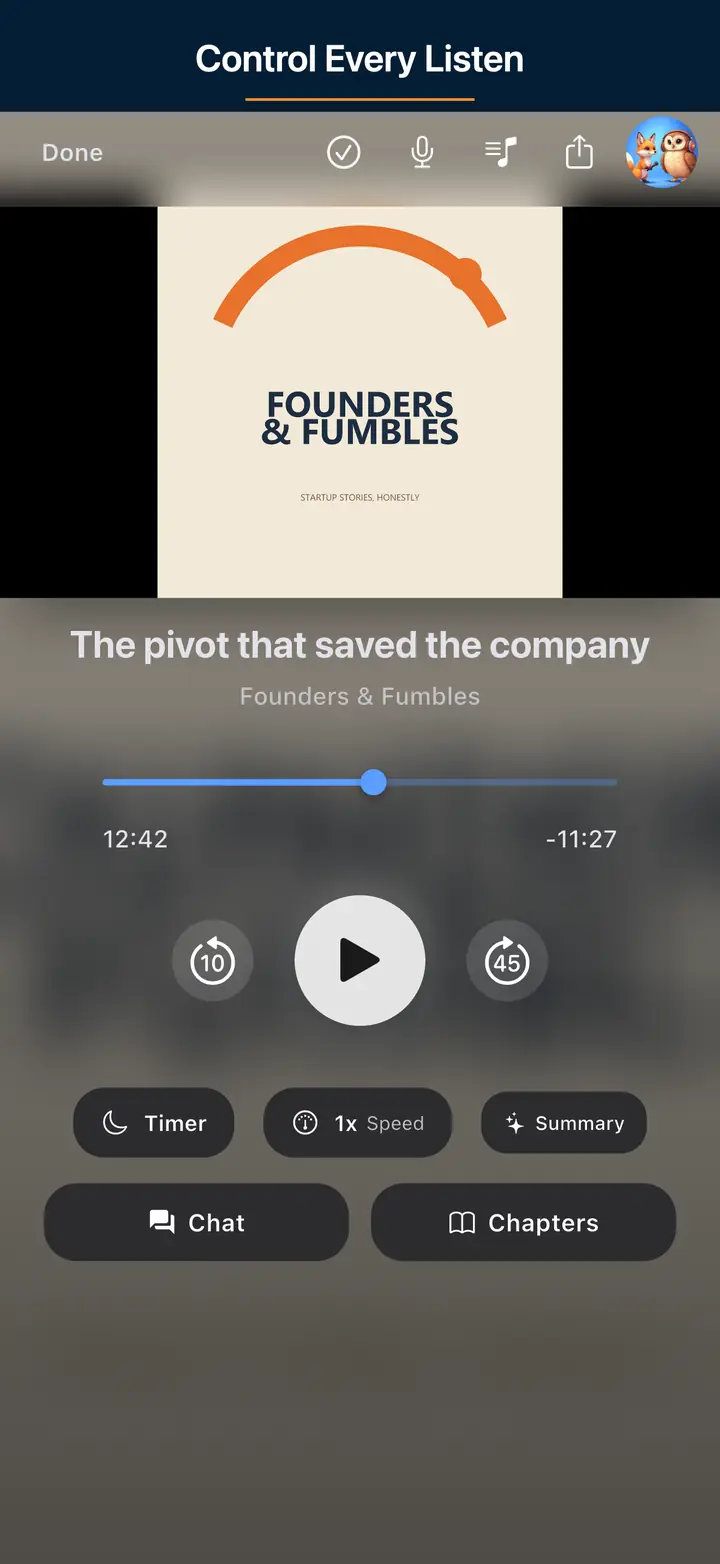
The audio player screen 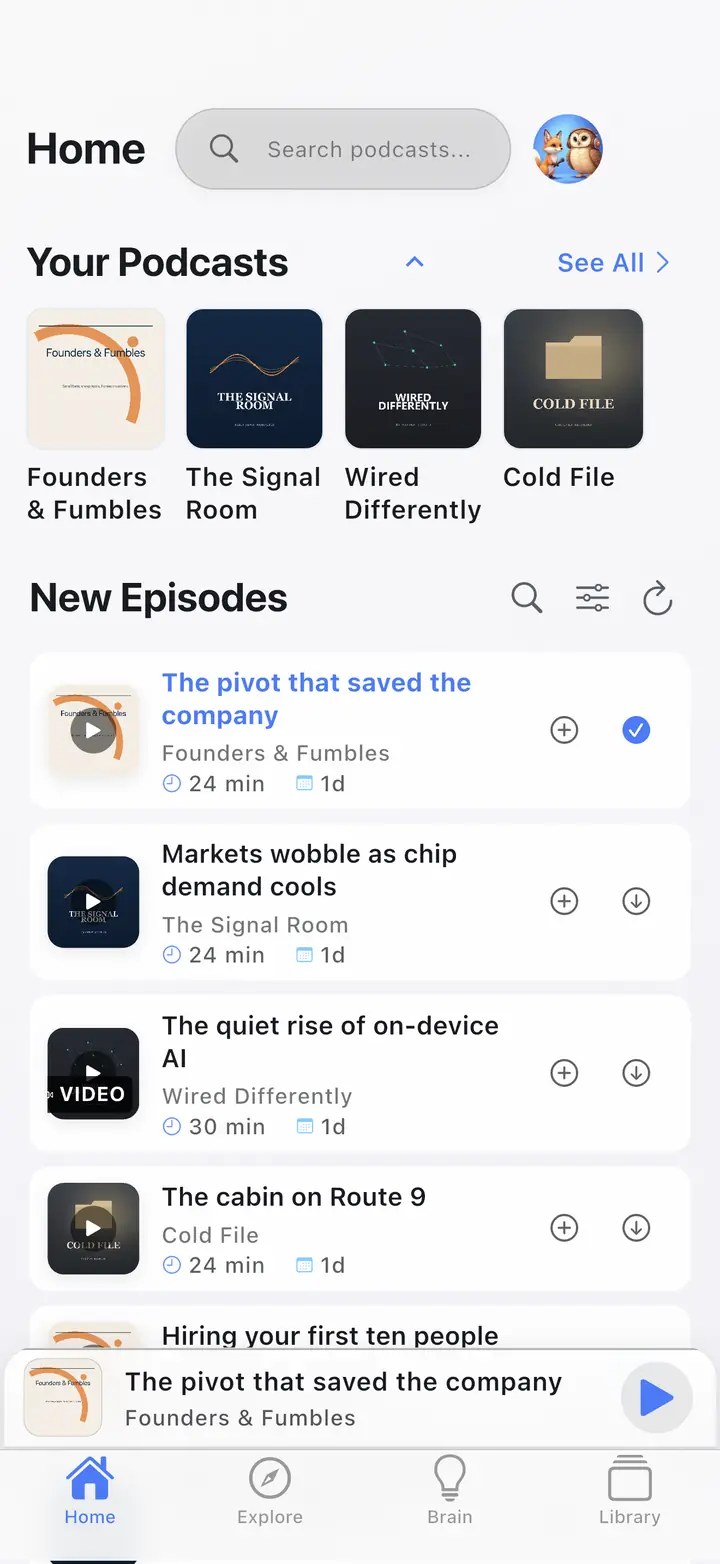
The home screen 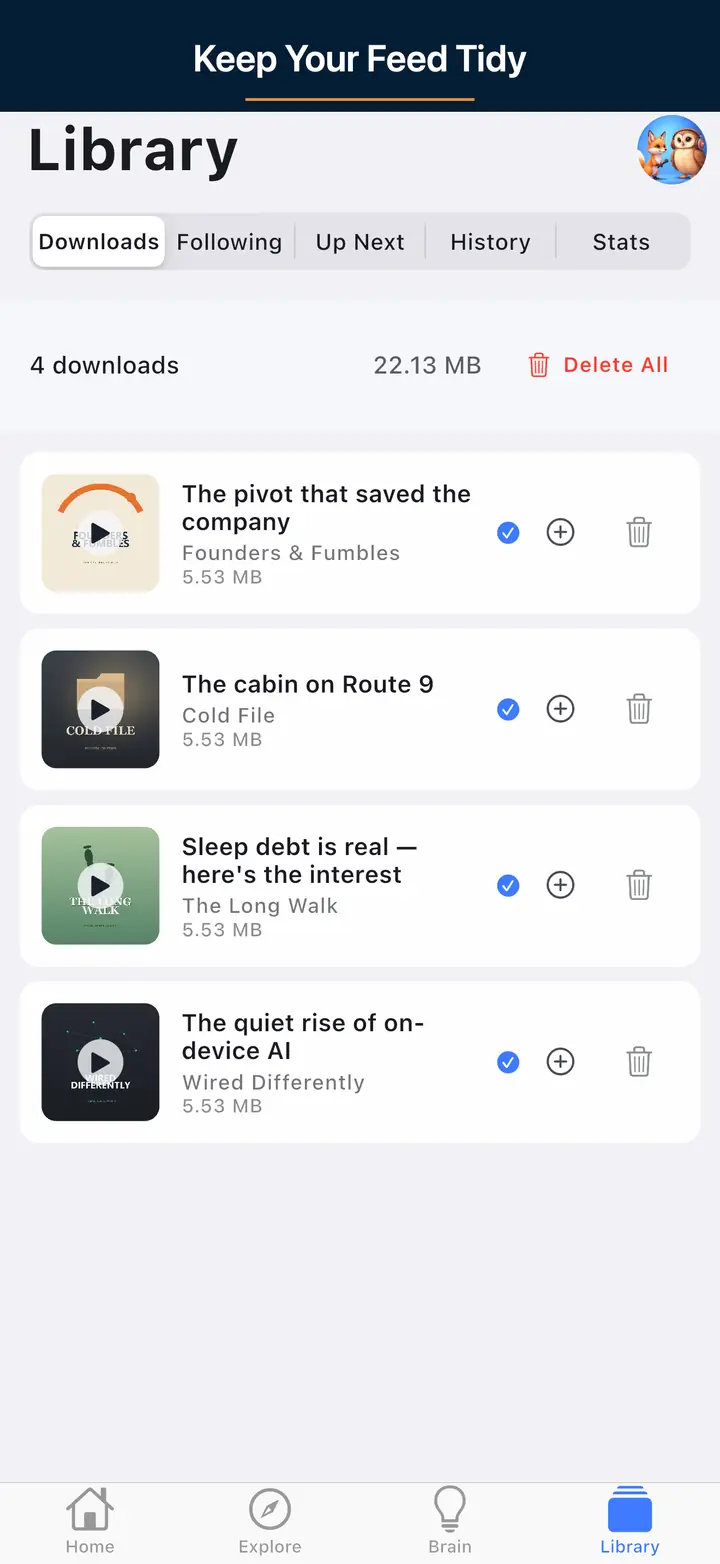
The downloaded episodes screen 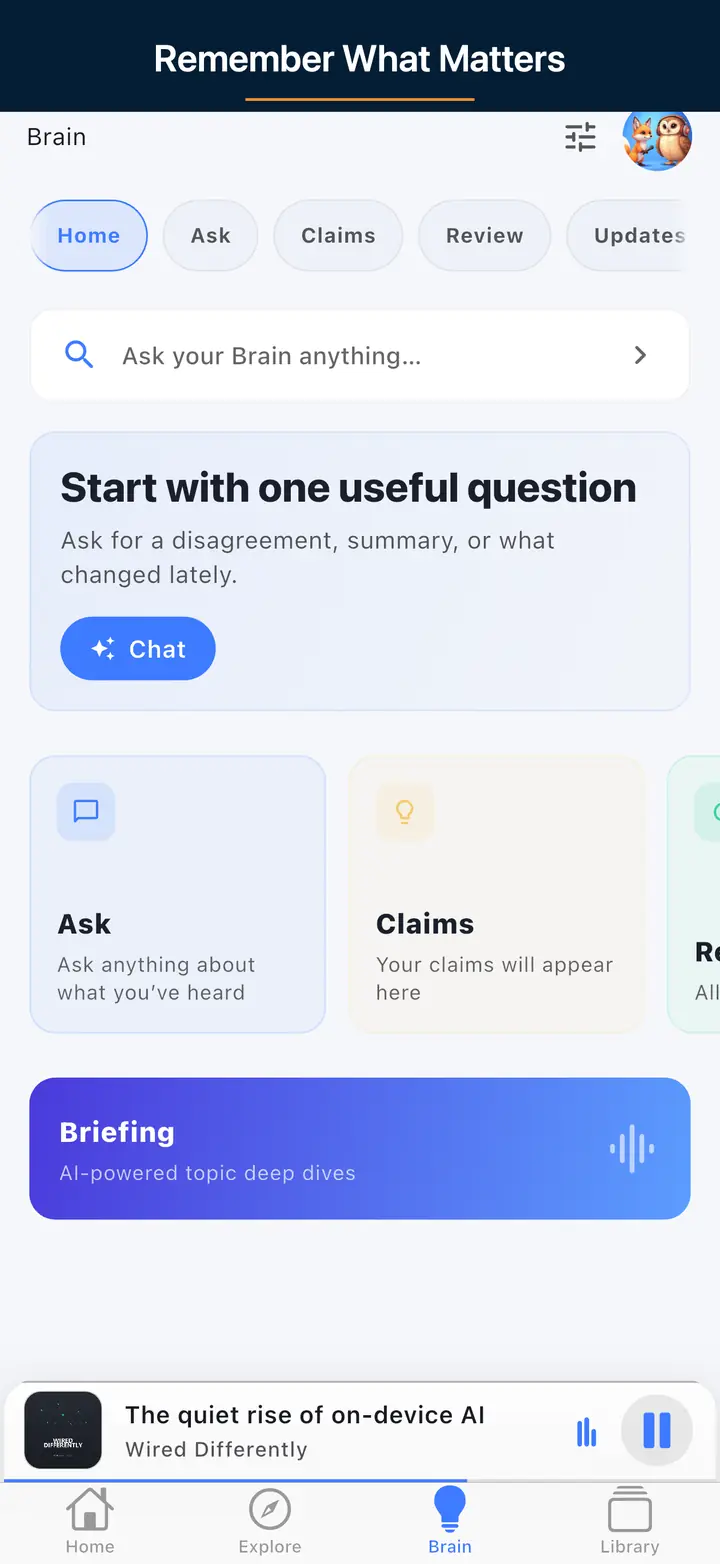
The AI assistant screen
FAQ
Frequently asked questions
No. We fetch your feed server-side for the check only. The URL, content, and results are not kept as a library or sold.
Valid channel title, description, and language; artwork (minimum 1400×1400, recommended 3000×3000, JPEG or PNG); itunes category/explicit/author; and enclosure-ready items. Confirm against Apple's current docs.
Too small, non-square, bad URL/404, wrong format/color space, or overweight file. Use the Cover Art Checker on the image URL or file.
Not currently. The feed must be publicly fetchable from our servers. Private feeds show unreachable errors.
No. A pass reduces obvious structural failures; directories still review and can reject for policy or content reasons.
More free tools
You might also like
Cover Art Checker
Check your podcast artwork against Apple and Spotify size, format, and quality requirements.
OPML Generator
Build a portable subscription file and import it into a podcast app.
For Podcasters
Validate your feed, then see how the app plays it
Fix feed issues, then check what The Podcast App does with your show: public RSS played as published, Podcasting 2.0 tags rendered, no app-inserted ads.