
Between 1400×1400 and 3000×3000 pixels; 3000×3000 is recommended. The image must be square.
URL or upload · JPEG/PNG · no login · free · Updated September 6, 2026
Cover art checker: prove square size before directories cache it
Validate podcast artwork against the rules directories actually enforce: square (1:1), 1400×1400 minimum, 3000×3000 recommended, JPEG or PNG, RGB/sRGB, image URL over HTTPS. Paste an image URL or upload a file (JPEG/PNG). Free, no login. Fix art before your host and Apple/Spotify cache a bad square.
| Check | Why |
|---|---|
| Size / aspect | Broken art fails in many clients |
| Format | Feeds expect common image types |
| Next step | Fix art, then re-validate the RSS feed |
What does the cover art checker do?
Check artwork by URL
or
Upload an image file
Drag and drop your artwork here
or click to browse · JPEG or PNG · Max 10 MB
Apple Podcasts & Spotify Artwork Requirements
- Dimensions: Minimum 1400 × 1400 px, maximum 3000 × 3000 px. We recommend 3000 × 3000.
- Aspect ratio: Must be square (1:1). Non-square artwork is rejected or cropped.
- Format: JPEG or PNG only. No GIF, WebP, BMP, or SVG.
- File size: Under 512 KB recommended for fast loading. Maximum 2 MB.
- Color space: RGB (sRGB). CMYK images may display incorrectly.
- URL: Must be served over HTTPS. HTTP URLs may be blocked by some directories.
Podcast Artwork Requirements Across Apple, Spotify, and Beyond
Apple's own show-cover template guidance calls for artwork at 3000 x 3000 pixels, with 1400 x 1400 pixels as the minimum accepted when artwork is submitted through an RSS feed. The image must be JPEG or PNG, cannot contain transparency, and must not include an alpha channel -- Apple explicitly rejects artwork built with a transparent background, which is a common mistake when a cover is exported straight out of a design template with layers left ungrouped. The artwork also has to be perfectly square: Apple Podcasts, like every major directory, displays cover art at a fixed 1:1 ratio, and anything else gets stretched, cropped, or rejected outright depending on where it is submitted. Apple applies the same square, RGB, no-transparency rules to optional episode-level artwork, so it is worth locking in one consistent export process rather than re-deriving the rules each time.
Spotify's published cover art requirements are similar but not identical. Spotify accepts images between 640 and 10,000 pixels on each side, also at a strict 1:1 aspect ratio, but recommends designing at 3000 x 3000 for parity with Apple's preferred size. Spotify asks for lossless encoding -- TIFF, PNG, or JPG saved without additional lossy compression -- and specifies an sRGB color space at 24 bits per pixel, explicitly rejecting embedded color profiles and orientation metadata. It also warns against upscaling a smaller image to hit the size requirement, since upscaled artwork looks visibly soft next to shows designed natively at full resolution. Since Spotify's floor of 640 px is far below Apple's 1400 px minimum, designing to Apple's stricter dimension and Spotify's color-space rules at once clears both platforms with one exported file.
Cover art is one of the biggest click-through drivers in podcast discovery, because most directories display it at thumbnail size -- often under 100 pixels square -- inside a scrolling list of dozens of competing shows. That constraint matters more than it looks: artwork that reads as sharp and legible at full size can turn into an illegible smear of texture and tiny type once it is shrunk down to a search-results thumbnail. Text-heavy covers are the most common casualty, since a host's name or show title set in a thin or decorative typeface reads fine at 3000 pixels but disappears completely at 60. Anyone testing new artwork should check it at the smallest size a directory actually displays, not just at full resolution on a large monitor.
The rejection reasons that show up most often are dimension failures (artwork below 1400 x 1400, or not square), file format problems (GIF, WebP, BMP, and SVG are not accepted by Apple or Spotify even though they are common web formats), and color space mismatches. That last one usually happens when artwork is exported from a print-oriented design tool that defaults to CMYK; the file opens and looks normal in that tool's own preview, but renders with shifted, muddy colors -- or fails outright -- once a podcast host or directory expects standard RGB. Oversized files are a subtler failure: nothing technically rejects a large PNG, but slow-loading artwork delays how quickly a feed's episodes and search results appear inside a podcast app.
The safest workflow is to design once at 3000 x 3000 pixels in RGB, then export two versions: a PNG master kept for archival purposes and a compressed JPEG at roughly 80-90% quality for actual submission, which comfortably satisfies Apple's dimension range and keeps the file small enough to load quickly across every directory. Re-check artwork any time a show gets rebranded or a host changes, since directories cache old covers inconsistently and a stale image can linger in one app's search results long after it has been replaced everywhere else. Running a quick check against the current requirements before every artwork update catches the handful of issues -- the wrong aspect ratio, leftover transparency, an accidentally re-exported CMYK file -- that are otherwise easy to miss until a directory quietly rejects the update.
Further reading
Sources and further reading
- Apple Podcasts for Creators -- Show Cover template and specsOfficial Apple spec: 3000x3000px recommended (1400x1400px minimum via RSS), JPEG or PNG, no transparency or alpha channel.
- Apple Podcasts for Creators -- Artwork guideOfficial overview of required and optional artwork types: show cover, episode art, channel art, and subscription art.
- Spotify Support -- Cover art requirementsOfficial Spotify spec: 640-10,000px, 1:1 aspect ratio, lossless TIFF/PNG/JPG, sRGB at 24 bits per pixel, no upscaling.
- Spotify for Creators -- The dos and don’ts of show artSpotify’s own 1400–3000 px recommendation for podcast show art.
- Podcast Standards ProjectIndustry coalition documenting open podcasting standards and practices across hosting platforms and apps.
- Wikipedia -- CMYK color modelReference explaining the CMYK vs. RGB distinction relevant to why print-exported artwork can fail podcast directory color checks.
- Edison ResearchLeading US audio/podcast audience research firm
- PodnewsDaily global podcast-industry news of record
- The Podcast Academy (The Ambies)Membership body behind the Ambies awards
- Podcast IndexOpen, independent podcast index and API
- Apple PodcastsApple's official podcasts app/platform homepage
- SpotifySpotify homepage (podcasts + music listening)
- Pocket CastsCross-platform podcast player (Automattic)
- Listen NotesPodcast search engine and API
Artwork ops
Pass Apple and Spotify cover checks before you publish
Cover art failures are still a top reason shows look broken in Apple Podcasts and Spotify. Queries like podcast cover size spotify map to measurable specs — this tool checks them before you wait on a host’s CDN cache.
Apple: minimum 1400×1400, recommended 3000×3000, RGB, JPEG/PNG, no oversized text in unsafe edges, no misleading price badges. Spotify: square art, sharp at small sizes, avoid tiny logos that vanish in lists. Always re-export from a master; upscaling a 800px icon fails both stores.
Workflow: design square → export 3000×3000 sRGB → run this checker → upload to your host → refresh the RSS image tag → request store refresh if an old image is sticky. Related tools: Tools hub, RSS validator, OPML cleanup. Player side: listeners see your art in The Podcast App home and genre lists.
Authoritative specs (bookmark these): Apple artwork requirements, Apple Podcasts Connect help, Spotify image guidelines, Spotify for Podcasters, RSS enclosure/image practices.
Failure modes we see weekly: non-square crops, heavy drop shadows that crush at 60×60, text-only covers that violate store “billboard” readability, and CMYK exports that shift color when converted. Fix the master; do not only patch the hosted derivative.
After art passes, verify the feed URL still resolves and that season artwork overrides (if used) match episode intent. Then check discovery pages you care about — bad art also weakens social cards on guides like comedy 2026.
At a glance
Apple vs Spotify cover art specs — one export that clears both
The same six questions arrive phrased six ways — “Apple podcast artwork size”, “Spotify podcast cover size”, “Apple podcast image requirements”. One table answers all of them, from the two vendor pages linked in Sources (re-read September 12, 2026). If their page and this table ever disagree, their page wins.
| Requirement | Apple Podcasts | Spotify | One file that passes both |
|---|---|---|---|
| Size | 3000 × 3000 px preferred; via RSS, 1400 × 1400 up to 3000 × 3000 accepted | 640 px to 10,000 px on each side; Spotify’s own creator guide recommends 1400–3000 | Design at 3000 × 3000. Never upscale a smaller master. |
| Shape | Square | 1:1 aspect ratio | Exactly square, no letterboxing |
| File type | PNG or JPG | TIFF, PNG or JPG, lossless encoding | PNG master; JPG at 80–90% quality for submission |
| Transparency | None — no alpha channel; solid background before export | Not addressed on the spec page | Flatten to a solid background |
| Colour | RGB (see the requirements section above for why CMYK exports fail) | sRGB, 24 bits per pixel, profiles applied directly; no embedded colour profile or orientation metadata | Export sRGB, strip embedded profiles and EXIF orientation |
| Not accepted | GIF, WebP, BMP and SVG are not listed by either vendor | Convert before you upload to your host | |
Paste the artwork URL from your live feed into the checker above and it reports the pixel size, whether the image is square, the file format and the file size it actually sees — the first things a directory reads. It cannot see an alpha channel; flatten the background yourself before export. A pass here is a pre-flight, not an approval from Apple or Spotify; the FAQ below covers what a pass does and does not guarantee.
In your language
The Podcast App, running in this language.
These are real screens from the app, not mockups. Every menu, button, and label is translated, so the app looks like this as soon as you install it.
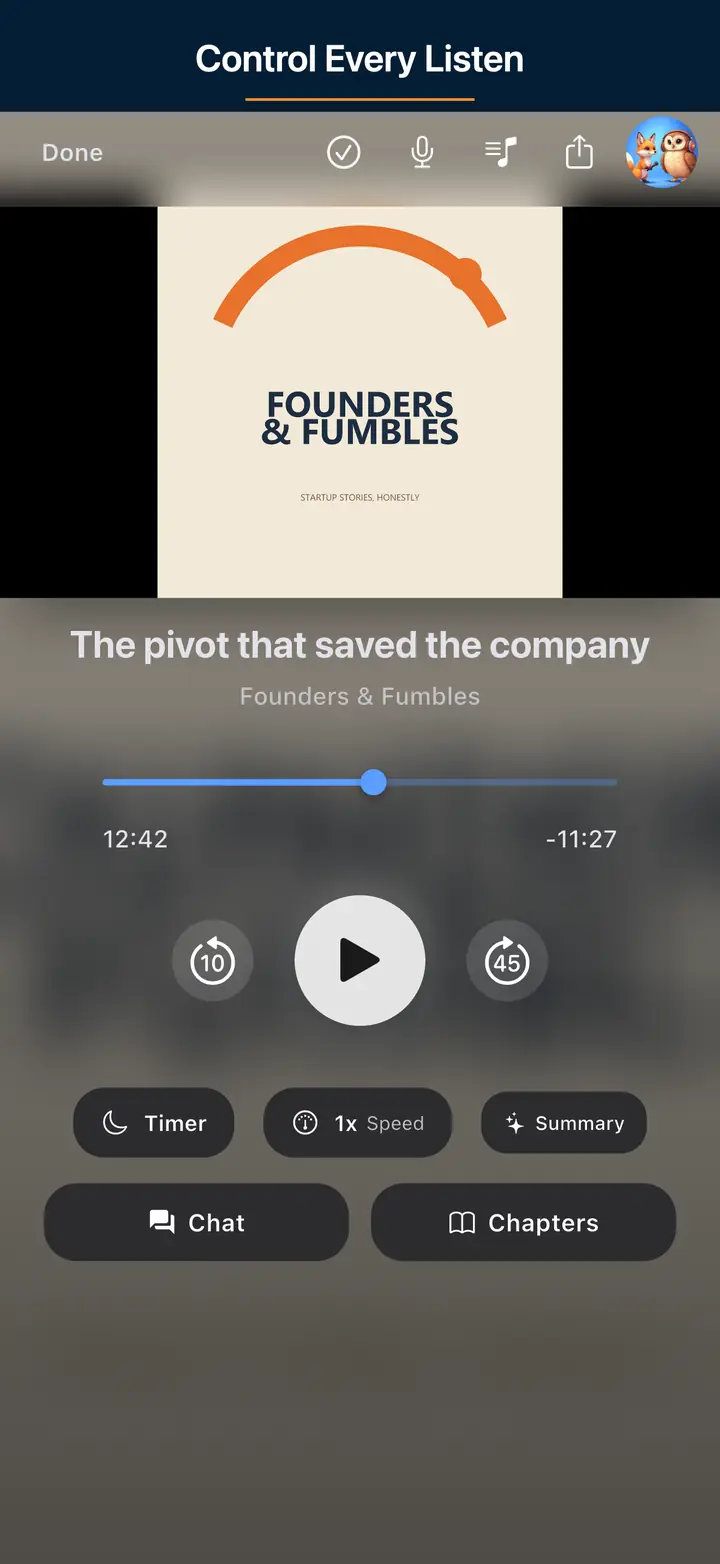
The audio player screen 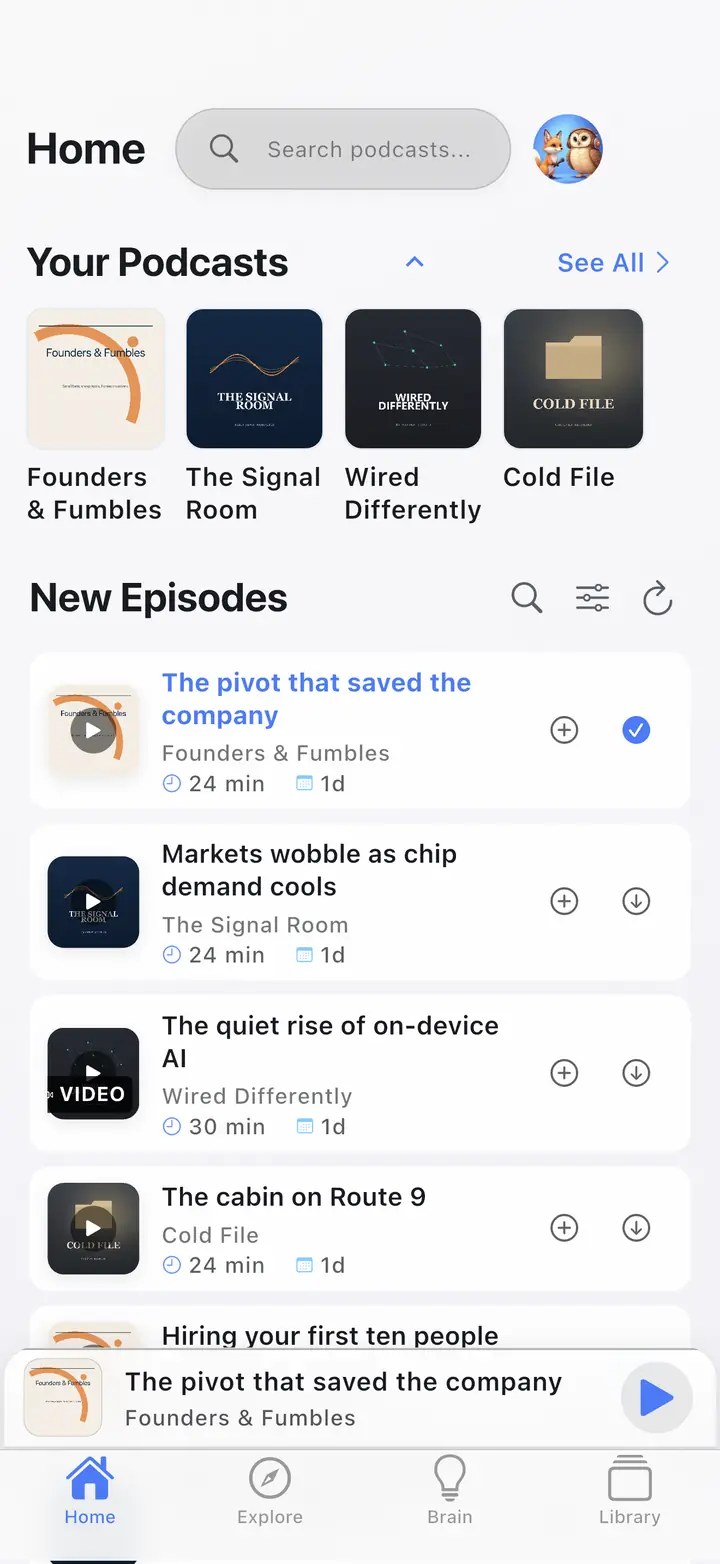
The home screen 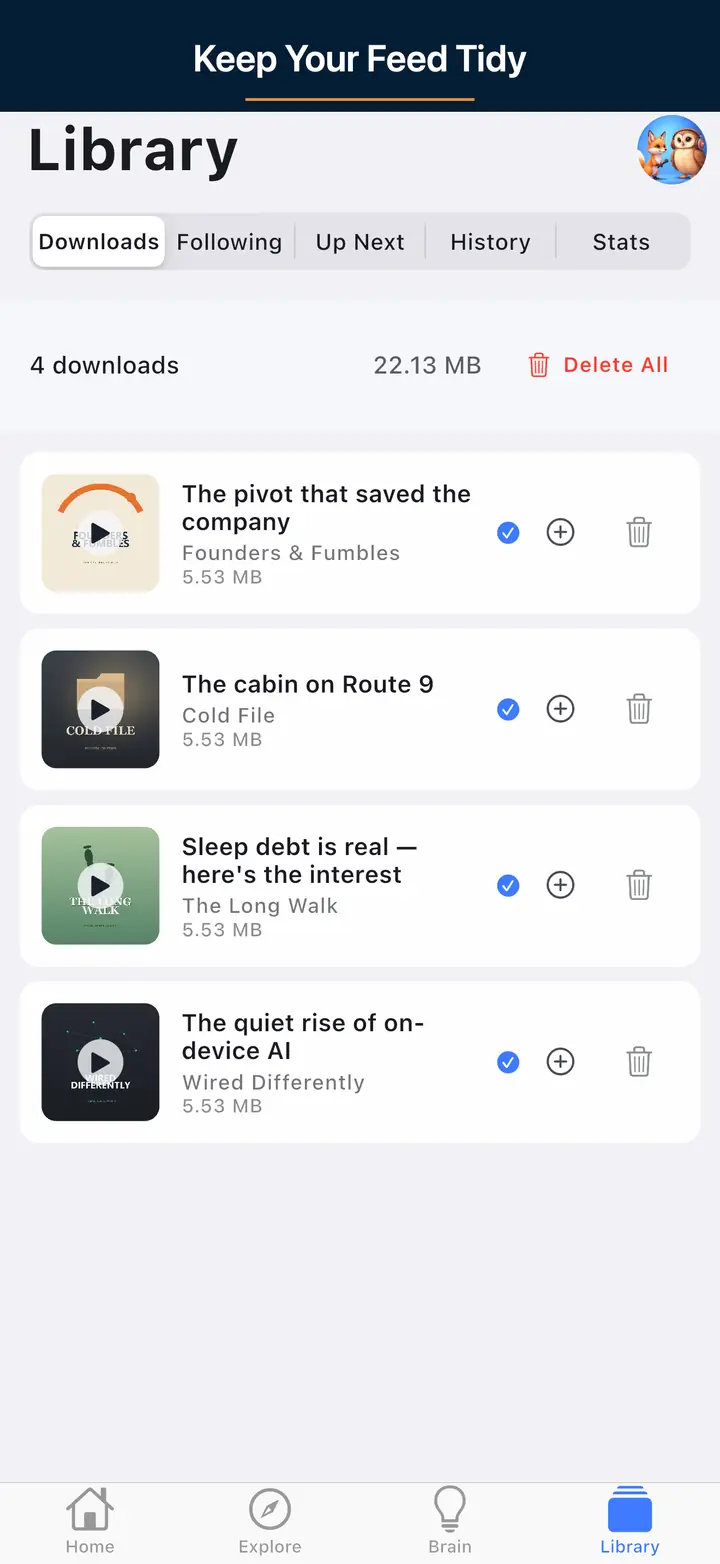
The downloaded episodes screen 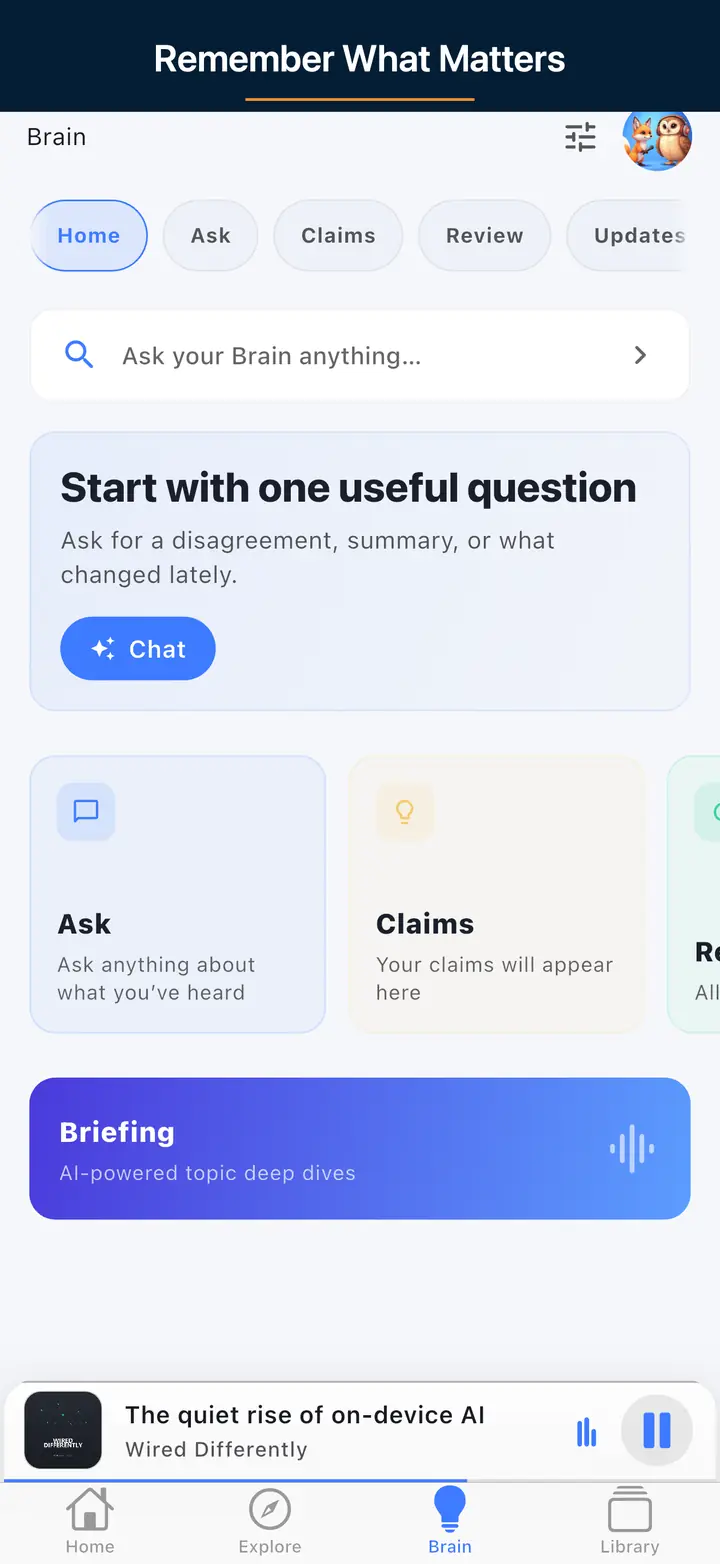
The AI assistant screen
FAQ
Frequently asked questions
Major podcast clients show square tiles; non-square art is cropped or rejected. Design at a 1:1 aspect ratio.
JPEG or PNG. Prefer JPEG for photos, PNG for flat/illustration with sharp type. Avoid GIF, WebP, BMP, and SVG here. Keep weight practical (often under 512 KB; note on-page maxima).
Use a sharp 3000×3000 RGB JPEG/PNG master; it satisfies common Spotify tile needs and Apple's recommended size. Check with this tool before upload, then refresh the feed image URL.
Both on this page: paste an HTTPS image URL or upload JPEG/PNG (see the on-page size limit).
No. It catches common image rule failures; directory policy and feed metadata still matter — pair with the RSS validator.
More free tools
Other podcaster tools
RSS Feed Validator
Validate your podcast feed against Apple Podcasts, Spotify, and Podcasting 2.0 specs.
OPML Generator
Build a portable subscription file and import it into a podcast app.
For Podcasters
See what The Podcast App does with your show
Public RSS played as published, Podcasting 2.0 tags rendered, no app-inserted ads. Nothing to claim.