
OPML (Outline Processor Markup Language) is an XML list of feeds (xmlUrl + titles). Apps that support OPML use it to move subscriptions — not downloads, play position, queues, or playlists.
search · import · edit · download OPML · no login · Updated September 6, 2026
OPML generator: build a clean subscription list you can import once
Search for podcasts, import an existing OPML, prune dead shows, then Download OPML or copy XML. OPML carries show titles + feed URLs (optional site links / folders). It does not move downloads, play position, queues, or playlists. Free, no login.
| Job | Result |
|---|---|
| Build an OPML list | Portable subscription file |
| Import elsewhere | Works in apps that read OPML |
| In The Podcast App | Import under Settings — free |
Search & Add Podcasts
What is OPML? OPML is the universal format for sharing podcast subscription lists. Every major podcast app — Apple Podcasts, Pocket Casts, Overcast, and The Podcast App — can import and export it. Build your list here, download it, and import it anywhere.
Import Existing OPML
Paste Podcast Names (one per line)
0 podcasts in list
Your list is empty
Search for podcasts above, import an OPML file, or paste names to get started.
How OPML Keeps Your Podcast Subscriptions Portable
OPML -- Outline Processor Markup Language -- is a lightweight XML format originally built for outliner software in the early 2000s, but its main use today is entirely different: it is the de facto standard for moving a list of podcast subscriptions between apps. The current version, OPML 2.0, is a short, stable specification maintained at opml.org, and it has barely changed in over a decade -- the Library of Congress's digital-format sustainability registry even lists it as a well-documented, low-risk format for long-term preservation. That stability is part of why so many unrelated podcast apps, feed readers, and directories all settled on OPML as a shared export and import format instead of inventing something proprietary.
The structure is intentionally minimal. An OPML document has a head (with metadata like a title and creation date) and a body containing outline elements. For a podcast list, each outline needs a type attribute of "rss", a text or title attribute holding the show's name, and -- the one attribute that actually matters for import -- an xmlUrl attribute pointing at the podcast's RSS feed address. An optional htmlUrl can point at the show's website. Outline elements can also nest inside one another, which is how apps that support folders or categories represent them: a parent outline groups child outlines representing individual shows underneath it, and an app that ignores nesting can simply flatten the tree and import every show anyway.
OPML matters most at the exact moments a listener has the least patience for manual work: an app is shutting down, a phone is being replaced, someone wants to try a different podcast player without losing years of accumulated subscriptions, or a listener wants to hand a curated list of shows to a friend instead of typing out titles one at a time. Exporting to OPML before an app disappears is the only reliable way to preserve a subscription list once its original source is gone. It is worth noting that two of the largest platforms, Apple Podcasts and Spotify, do not currently offer a built-in way to export or import OPML files -- which is exactly the gap a standalone OPML generator or third-party export tool is built to fill for listeners on those platforms.
Importing an OPML file is mechanically simple: a podcast app parses the document, walks through every outline element that has an xmlUrl, and adds each one as a new subscription using that feed address. What an OPML file preserves is limited to the subscription list itself -- show titles and feed URLs, and optionally site links. What it does not carry over is anything tied to listening history: playback position, which episodes have already been heard, downloaded audio files, custom playlists, or per-show settings like playback speed. Anyone switching apps should expect to rebuild those preferences manually in the new app, even after a clean OPML import restores every subscription and any folder structure the original list used.
The most common mistake is treating an OPML file as a full backup rather than a subscription list -- it will not restore played-episode history or downloads no matter how recently it was exported. The second is exporting a list that has accumulated years of dead weight: duplicate entries, shows that stopped publishing, or feed URLs that quietly changed when a podcast switched hosting providers, which breaks the xmlUrl link even though the show itself is still active elsewhere. It is worth pruning a list before exporting it, and spot-checking a few feed URLs afterward, rather than assuming every entry that was valid when you first subscribed is still valid today.
Build a clean OPML
Generate an OPML with only shows you still want — then import once
Use the generator when your old export is full of abandoned feeds. Add title + RSS deliberately, download the file, import into The Podcast App via settings or switch.
References: OPML 2.0, Pocket Casts OPML import, AntennaPod backup, OPML — Wikipedia.
Editorial standards
How we chose what belongs on OPML Generator — Build & Edit Podcast Lists
What changed for recovery
Search still needs specific answers for tools, opml, generator, not another generic “best of” shell. This page (/tools/opml-generator) previously earned 3 historic clicks and 0 clicks in 1–22 July 2026 before the coverage cliff — so we invest in unique substance here rather than new template URLs.
What we optimize for
Criteria we apply on this page: (1) shows or workflows you can actually open in a standard podcast app today; (2) free core listening without app-inserted ads; (3) offline and queue tips that match how people use The Podcast App; (4) honest claims only — Premium/Brain stays optional. Template family: other.
Where to go next
Cross-links below point to related guides and tools on this site so Google and readers can reach stronger hubs without expanding the scaled-page footprint.
Further reading
Sources and further reading
- OPML 2.0 Specification (opml.org)The authoritative OPML 2.0 spec defining the head/body structure and the outline element's type, text, xmlUrl, and htmlUrl attributes.
- Library of Congress -- Sustainability of Digital Formats: OPMLFederal digital-preservation registry entry documenting OPML as a stable, well-documented format.
- Wikipedia -- OPMLBackground and history of the format, including its adoption for exchanging feed/podcast subscription lists.
- Pocket Casts Support -- Importing an OPML FileReal-world example of how a major podcast app implements OPML import.
- AntennaPod -- Backing up your episodesOpen-source podcast app documentation on using OPML export/import as part of a subscription backup routine.
- Edison ResearchLeading US audio/podcast audience research firm
- PodnewsDaily global podcast-industry news of record
- The Podcast Academy (The Ambies)Membership body behind the Ambies awards
- Podcast IndexOpen, independent podcast index and API
- Media RSS Specificationmedia namespace supplementing RSS enclosures
- RSS 2.0 Specificationcanonical RSS 2.0 spec (RSS Advisory Board)
- Apple PodcastsApple's official podcasts app/platform homepage
- SpotifySpotify homepage (podcasts + music listening)
- Pocket CastsCross-platform podcast player (Automattic)
- Listen NotesPodcast search engine and API
In your language
The Podcast App, running in this language.
These are real screens from the app, not mockups. Every menu, button, and label is translated, so the app looks like this as soon as you install it.
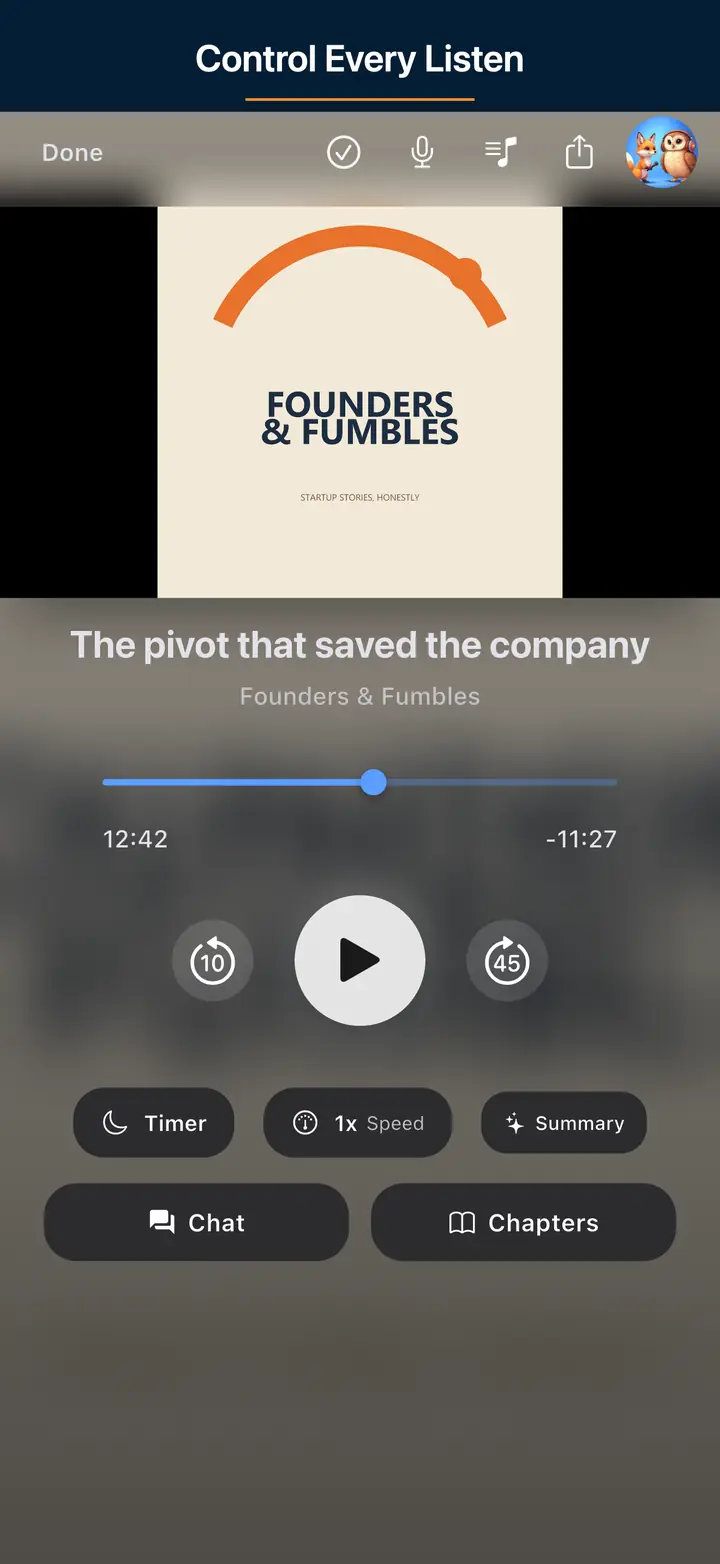
The audio player screen 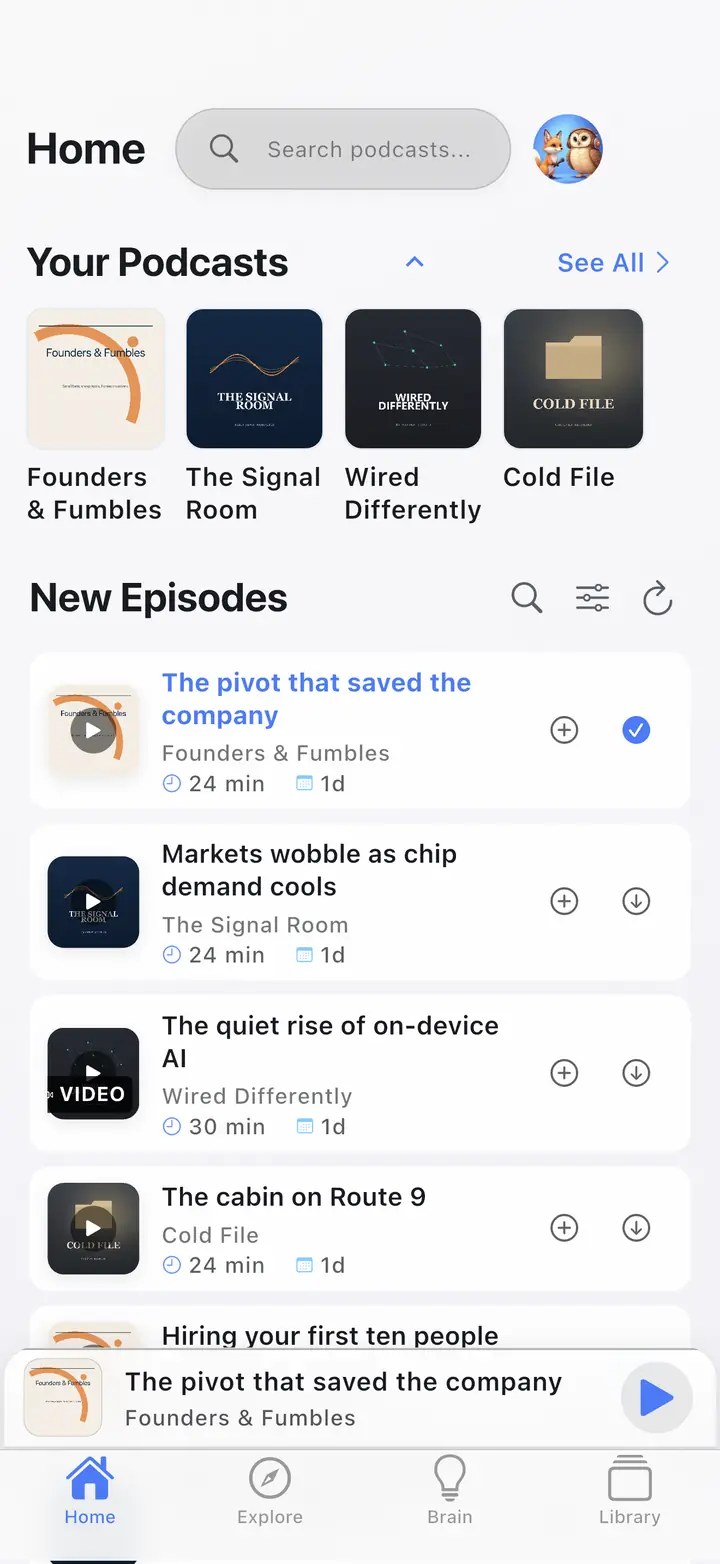
The home screen 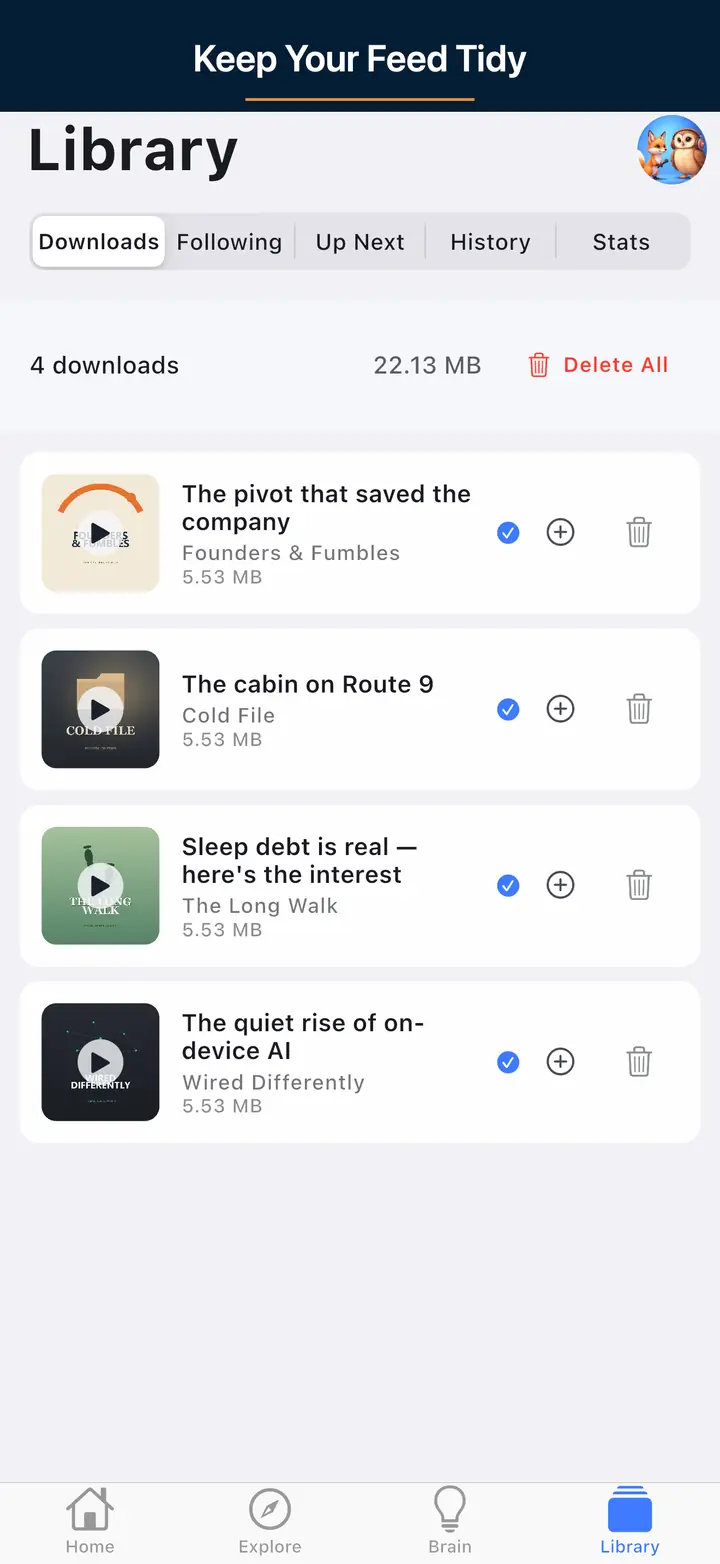
The downloaded episodes screen 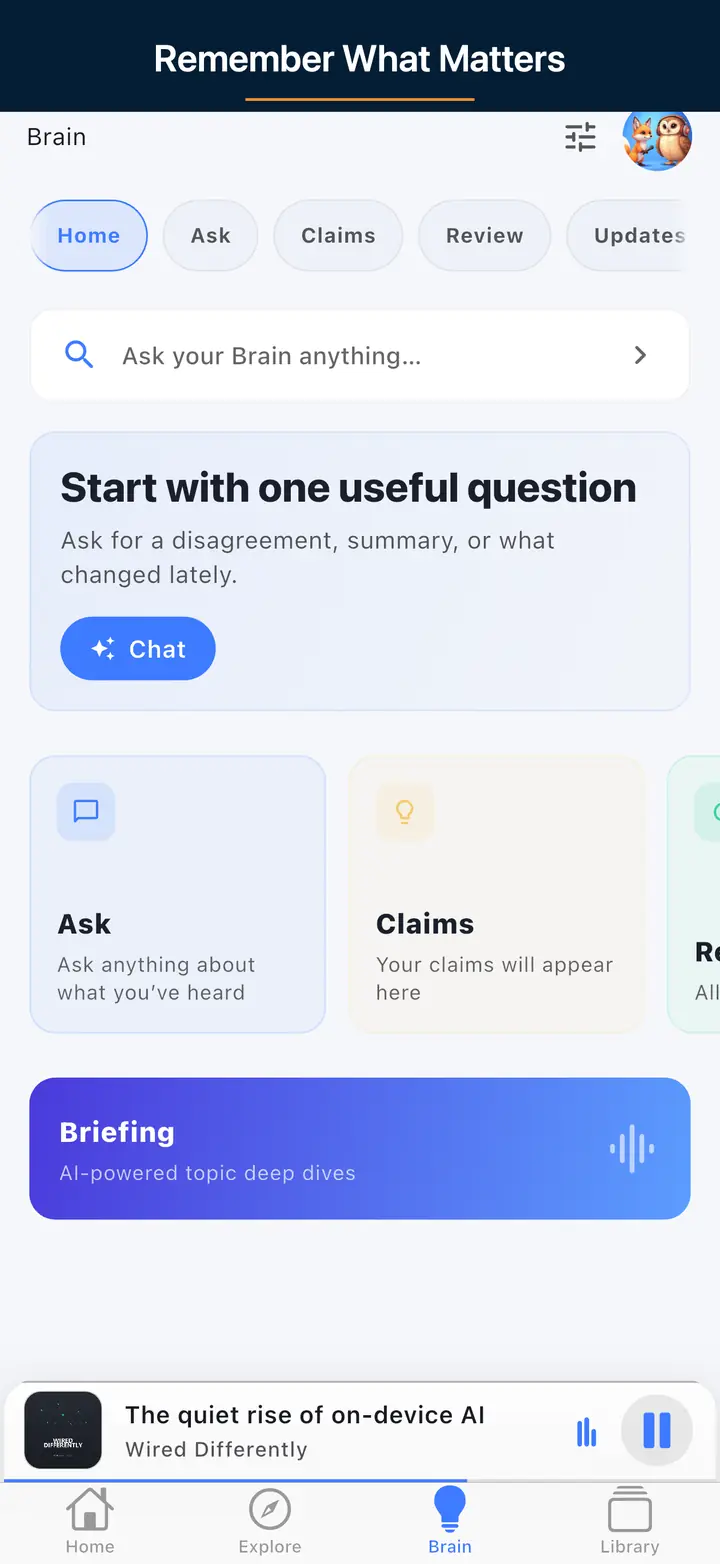
The AI assistant screen
FAQ
Frequently asked questions
Go to Settings → Manage Subscriptions → Import Subscriptions and choose the file. Works signed-out. Full switch guide: /switch.
Yes. Search/add, import an existing file, paste names and Find All, remove shows, then Download OPML or Copy XML.
No. Only subscription feed URLs (and optional metadata). Rebuild downloads and positions in the new app.
Spotify does not offer first-party OPML/RSS subscription export. Build a list here by search, or export OPML from another app that already has those shows.
Yes — free, no account required to build or download OPML. The Podcast App import also works without an account; sign-in is only for multi-device cloud sync later.
More free tools
You might also like
RSS Feed Validator
Check your podcast feed against Apple Podcasts, Spotify, and RSS 2.0 requirements. Instant checks, no sign-up.
Cover Art Checker
Check your podcast artwork against Apple and Spotify size, format, and quality requirements.
For Podcast Fans
Import your OPML list into The Podcast App — free on iOS and Android
no app-inserted ads. Optional Premium. Unlimited offline downloads are free; AI summaries and Podcast Brain are Premium.