Downloads and playback

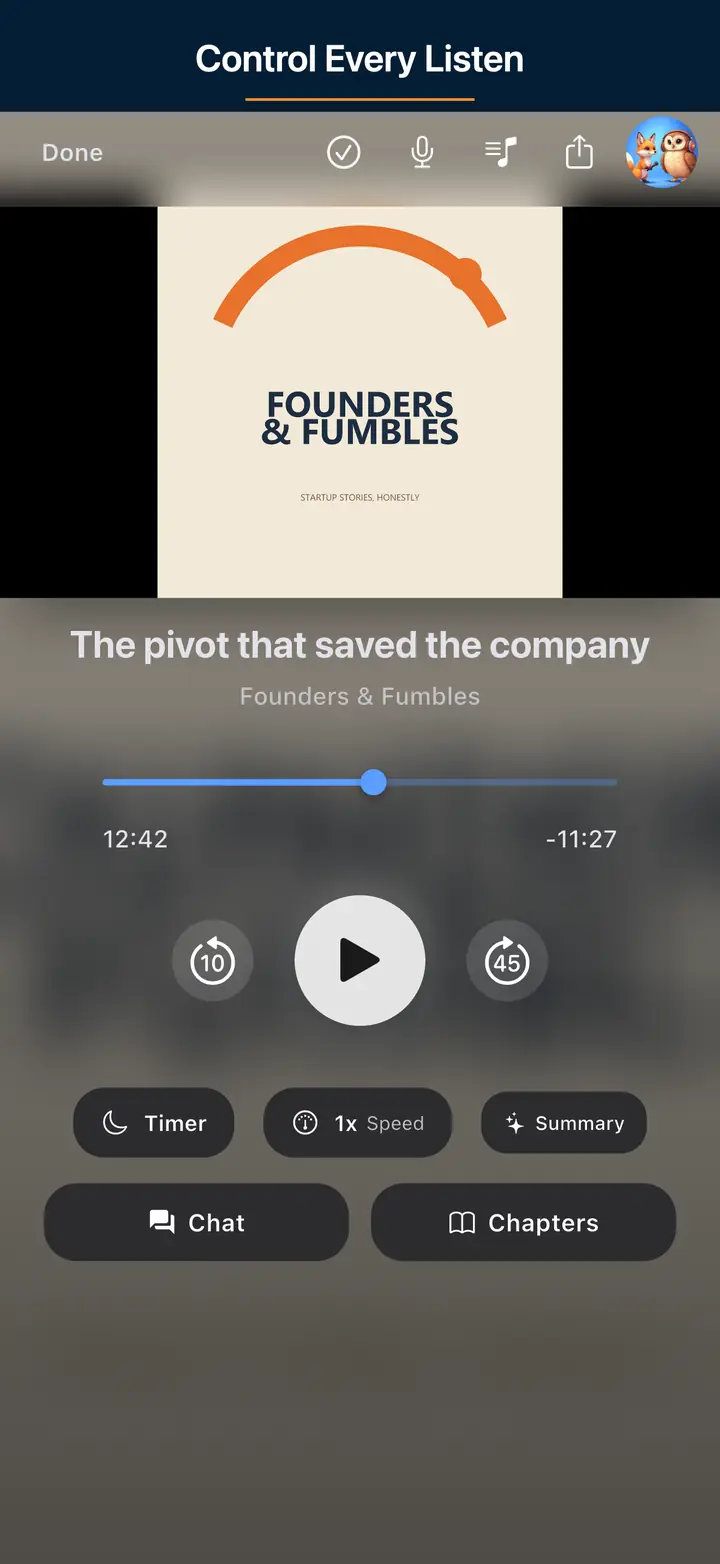
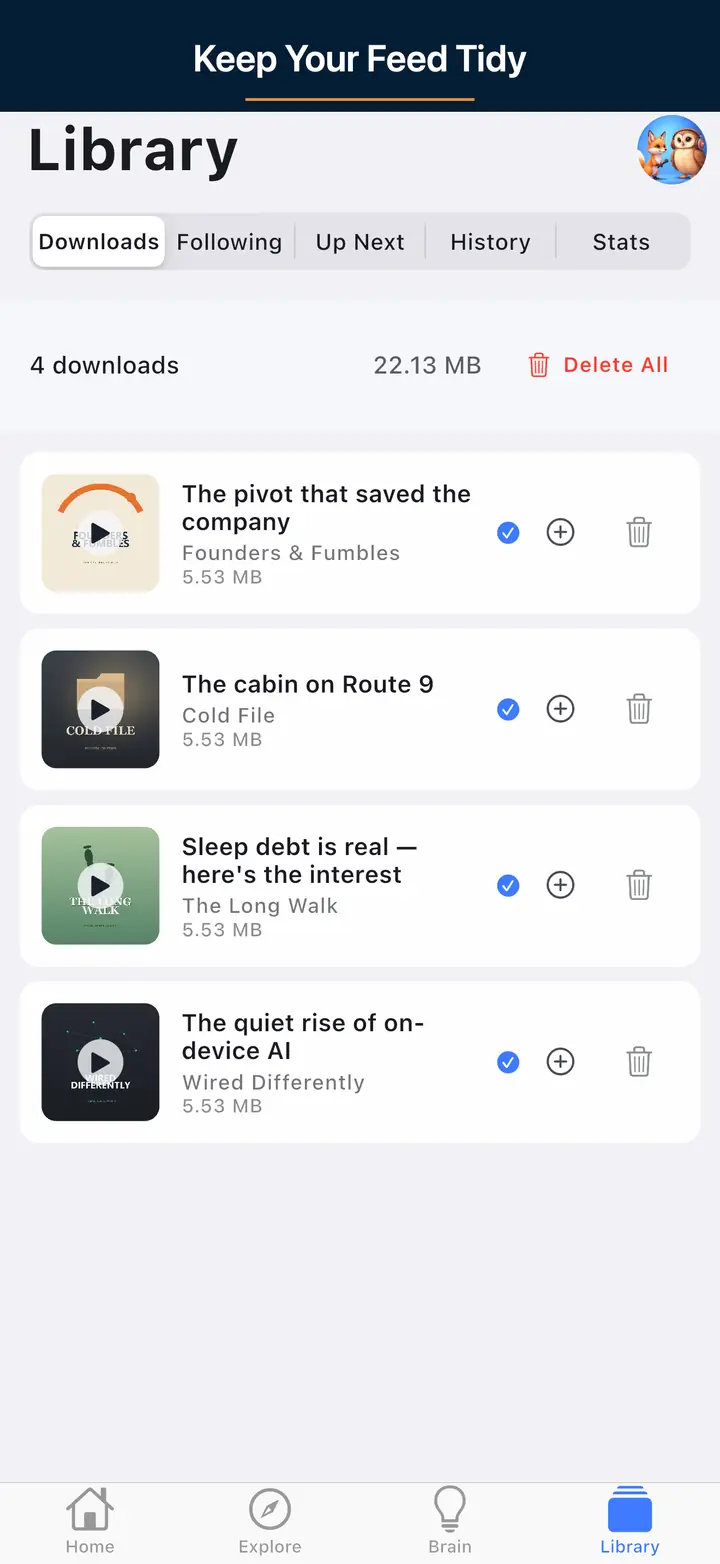
If downloads fail, check storage, network access, and any Wi-Fi-only preference. Restarting the app or retrying on a stronger connection often resolves the common cases first. The offline podcast player page explains the core listening features this supports.

Billing and Premium

Core listening is free. Premium is $4.99/mo and unlocks Podcast Brain, Synthesis Radio, and deeper AI features. Billing changes and cancellations are still managed through Apple App Store or Google Play.

Account and deletion

You can start without an account. If you use sync, account deletion is available in-app and on the delete-account page if you no longer have access to the app. If you are still moving over, the OPML switch guide shows the cleanest import path.

Support FAQ

The questions most people actually have.

Check storage space, verify your connection, and make sure downloads are not restricted to Wi-Fi when you are on mobile data. If the queue seems stuck, retry after reopening the app.
Premium is $4.99/mo. It includes Podcast Brain, Synthesis Radio, and the deeper AI layer. The core player remains free for browsing, following shows, downloading episodes, and listening without advertising interruptions.
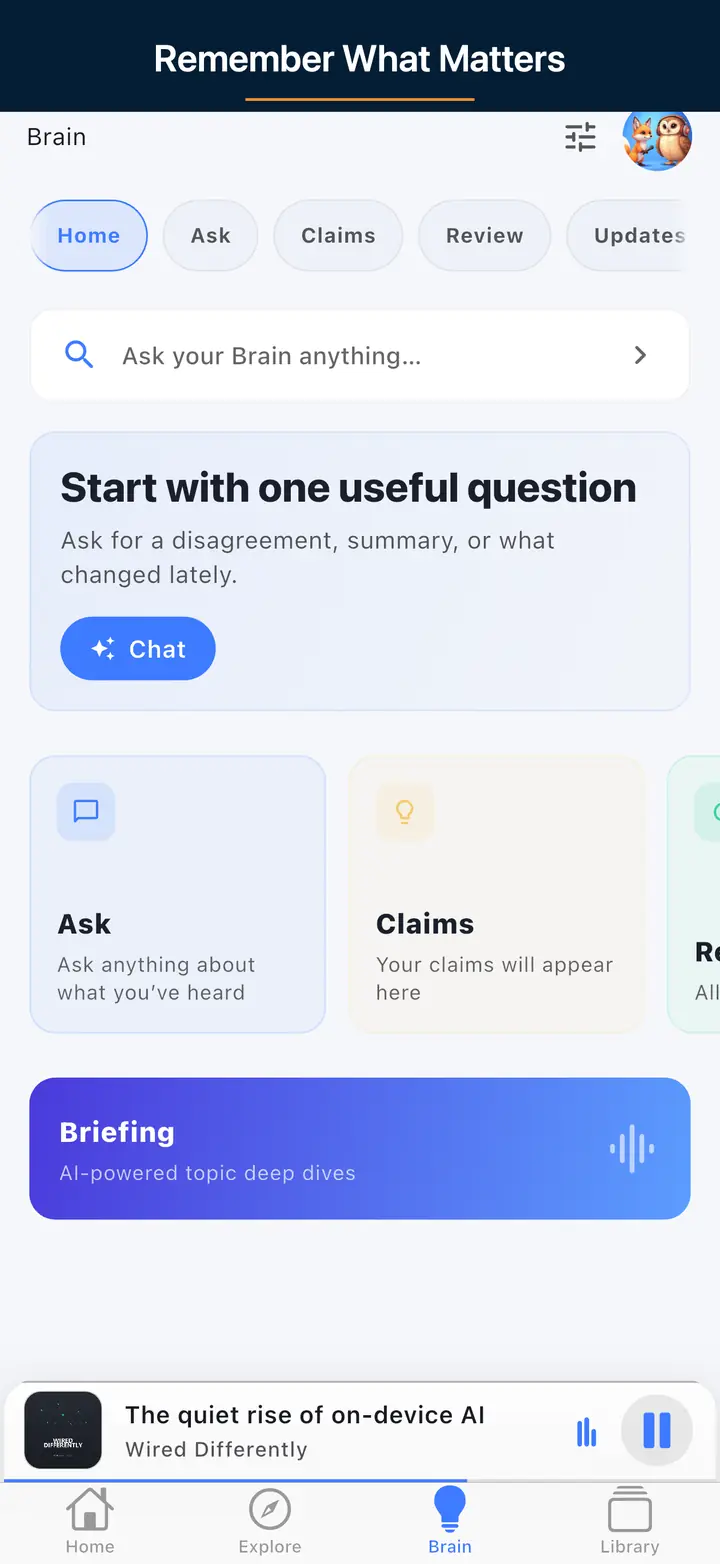
Podcast Brain is the optional premium layer for asking across your listening history, generating Synthesis Radio deep dives, and reviewing saved ideas with richer context.
Go to Settings and use the in-app delete flow, or visit the delete-account page if you cannot access the app.
We do not sell your data. Playback positions and subscriptions sync only when you choose account features, and if you use Brain then related prompts, transcripts, and AI artifacts are handled according to the privacy policy.

Getting a faster answer when something isn't working

When an episode doesn't resume at the same spot on a different device, the most common cause is that the previous device didn't finish syncing before the app was force-closed or the phone lost its connection mid-session. Backgrounding the app normally and giving it a few seconds on a stable connection before switching devices resolves this far more often than it initially looks like a real underlying bug in the sync system itself, rather than a simple timing gap.

If the app doesn't show up on a car's CarPlay or Android Auto screen, restarting the car's head unit and reconnecting the cable or Bluetooth session usually fixes it before it's worth treating as an app problem at all. Most car-integration issues turn out to be a handshake problem between the phone and the vehicle's own system rather than anything actually wrong with the app, and a fresh connection clears the majority of them without further troubleshooting needed.

When a problem does need a support email, including a few specific details up front gets it resolved noticeably faster: the device model and OS version, whether it happens on Wi-Fi or mobile data specifically, and the exact show and episode involved if the issue is playback-specific. A generic report without those details usually needs a follow-up reply before it can actually be diagnosed properly, which just adds an avoidable round trip to the whole process.

Many first-time support tickets turn out to be storage, network, or permissions issues rather than anything actually wrong with the app itself. Checking available device storage and reviewing background app refresh or battery-optimization settings before writing in resolves a meaningful share of common problems - including stuck downloads and background playback that stops unexpectedly mid-episode - on the spot, without needing to wait on a reply at all from a support agent.

Further reading

Sources and further reading

Need a human?

Email support@thepodcastapp.dev

If the docs do not solve it, email us directly and we will help.

Seamless Support for Every Podcast Experience

At The Podcast App, we understand that technology should simplify your podcast listening, not complicate it. Whether you need assistance with downloading episodes, managing playback settings, or importing your favorite shows through OPML files, our support system is designed to get you back to enjoying your content quickly and effortlessly. Our app’s intuitive interface ensures that downloads happen smoothly without interruption, even on slower connections, so you never miss a moment of your favorite podcasts.

Importing your existing podcast subscriptions is effortless with our OPML import feature. Avoid the hassle of manually adding each podcast by uploading your OPML file, and instantly sync all your subscriptions into The Podcast App. This streamlined process saves time and keeps your library organized. Plus, our dedicated support team is always ready to guide you through any import questions, ensuring a hassle-free transition from other podcast platforms.

Engage more deeply with podcasts using our unique podcast chat feature. Connect with fellow listeners and creators directly within the app to discuss episodes, share insights, and build a vibrant community around your interests. If you encounter any issues with chat or billing—including upgrading to Premium or managing your subscription—our responsive customer service makes resolving these concerns quick and painless. With no app-inserted ads and top-tier privacy standards, The Podcast App prioritizes your listening experience and personal data security above all.

Need to manage your account or consider deleting it? We provide clear, straightforward options with full transparency. Our support guides you through each step, ensuring your data is handled respectfully and your preferences are respected. The Podcast App is built to empower users with control, convenience, and peace of mind, making it the best choice for podcast enthusiasts who demand more from their listening app.